Goon-scrolling 0.3

A small update, but it has two things I've been missing myself for a long time.
If you don't know what goon-scrolling is, start with the older announcements.
Tag menu
Tags on the new goon-scrolling site now have their own menu.
Tapping a tag in the viewer used to just open Details. That wasn't much use.
Now it opens a menu with everything you can do with a tag:
- Subscribe to it or blacklist it
- Open it in All Posts
- Show only this tag in the feed, add it to the filter, or take it out
- See related tags
- Copy or share it
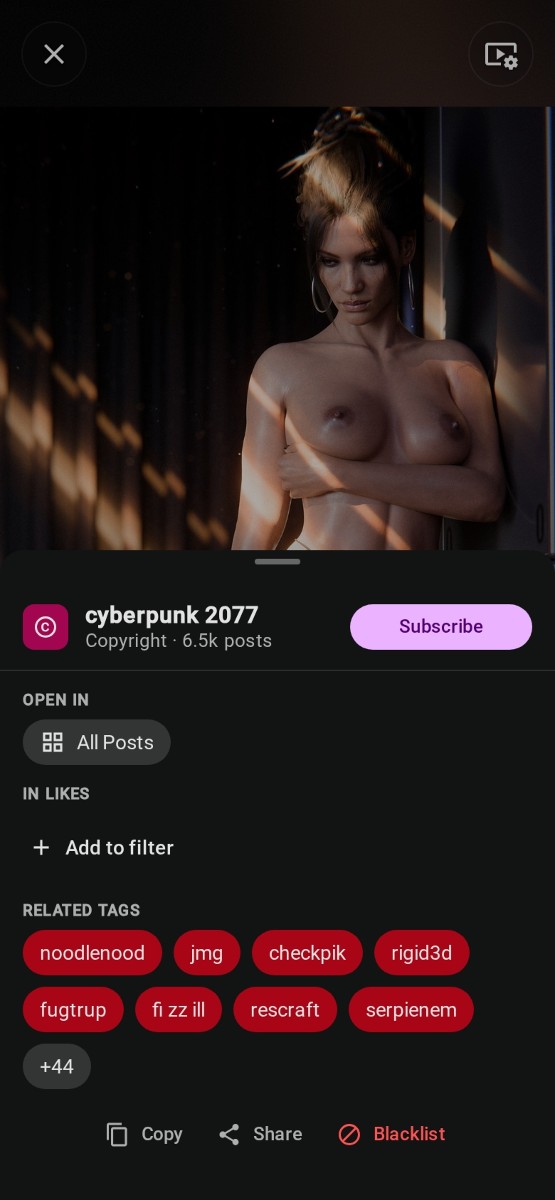
Mobile UI
On desktop, the menu opens right next to the tag in the side panel.
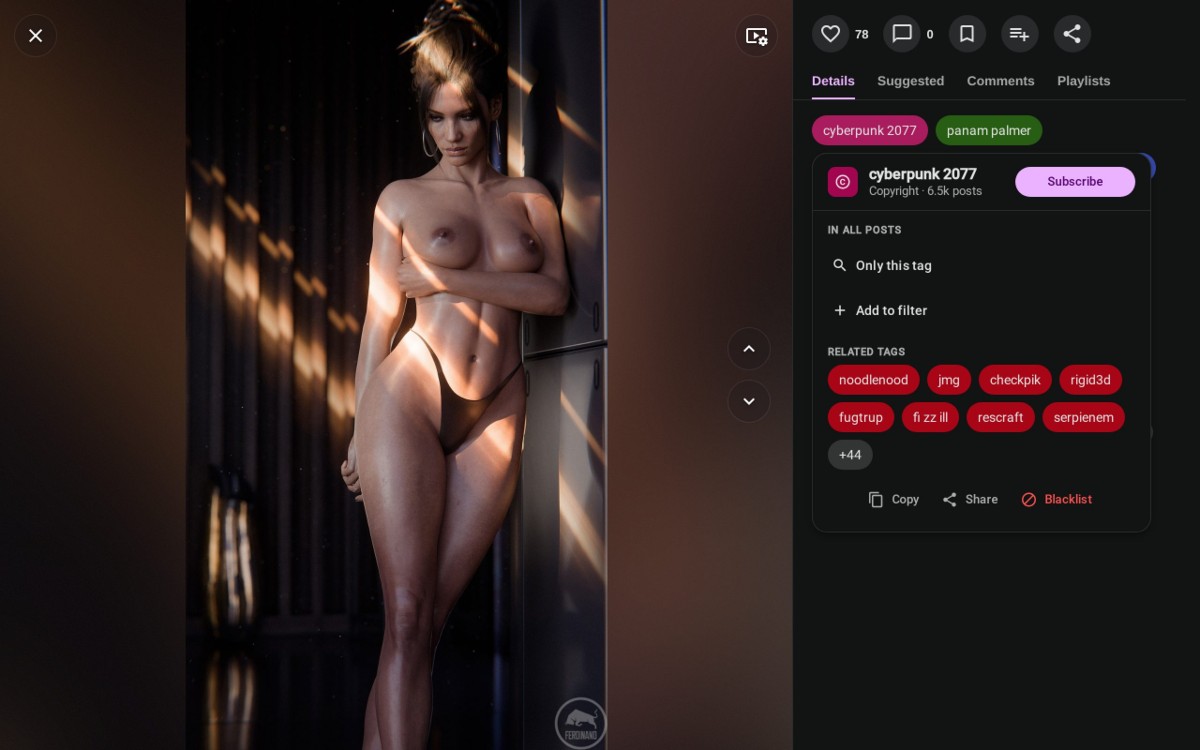
Desktop UI
The filter applies to whichever feed you opened the post from. Say you're scrolling Likes and a tag catches your eye. You can narrow Likes down to that tag without closing the viewer.
Yes, that means Likes, Bookmarks, Cum History and Subscriptions have a tag filter now too
Already in a playlist
You can now see when a post is already in one of your playlists.
In the grid, the card gets a checkmark badge next to the bookmark. In the viewer, the save button icon turns into a checkmark too.
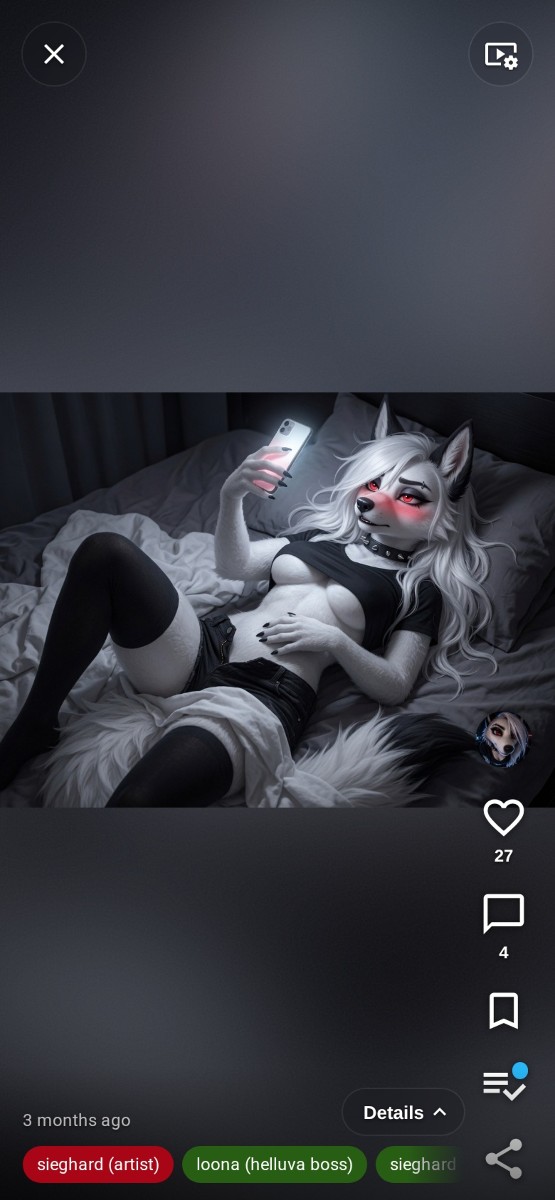
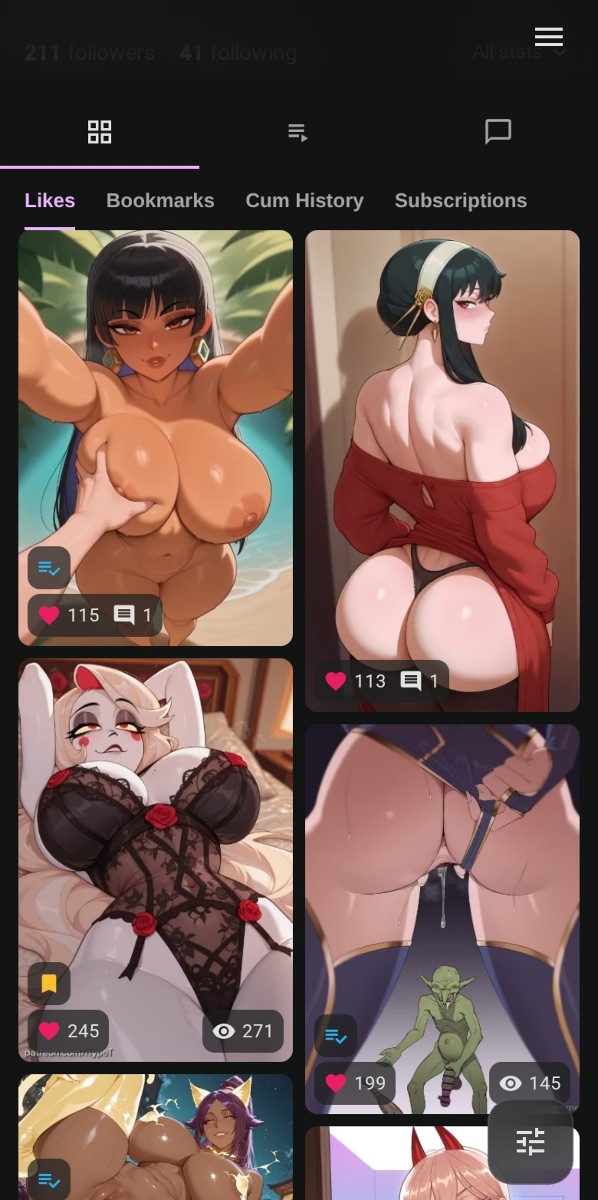
Private playlists count as well. Only you can see the badge.
This works on both the new site and the existing ones.
The smaller stuff
On the new goon-scrolling site:
- Settings have a new Feeds section with the feed layout (Grid or Masonry) and an Infinite scroll toggle
- Swiping past the last tab on the home page opens tag search
- The feed remembers your spot. Reload the page and you're where you left off, not somewhere further down
- Reset in filters closes the panel right away
On the existing sites:
- The post page no longer shows "Post not found" when you open it from a feed
- Next on the post page works on the first click
- A late server response no longer throws you onto a different post
- Going back between profile tabs no longer shows you the neighbouring tab's feed
Everywhere:
- Adding a post to a playlist again moves it to the top
- Premium and avatar changes show up right away
Go poke some tags. And save something to a playlist, I like it when you use what I made. Kisses.
Comments